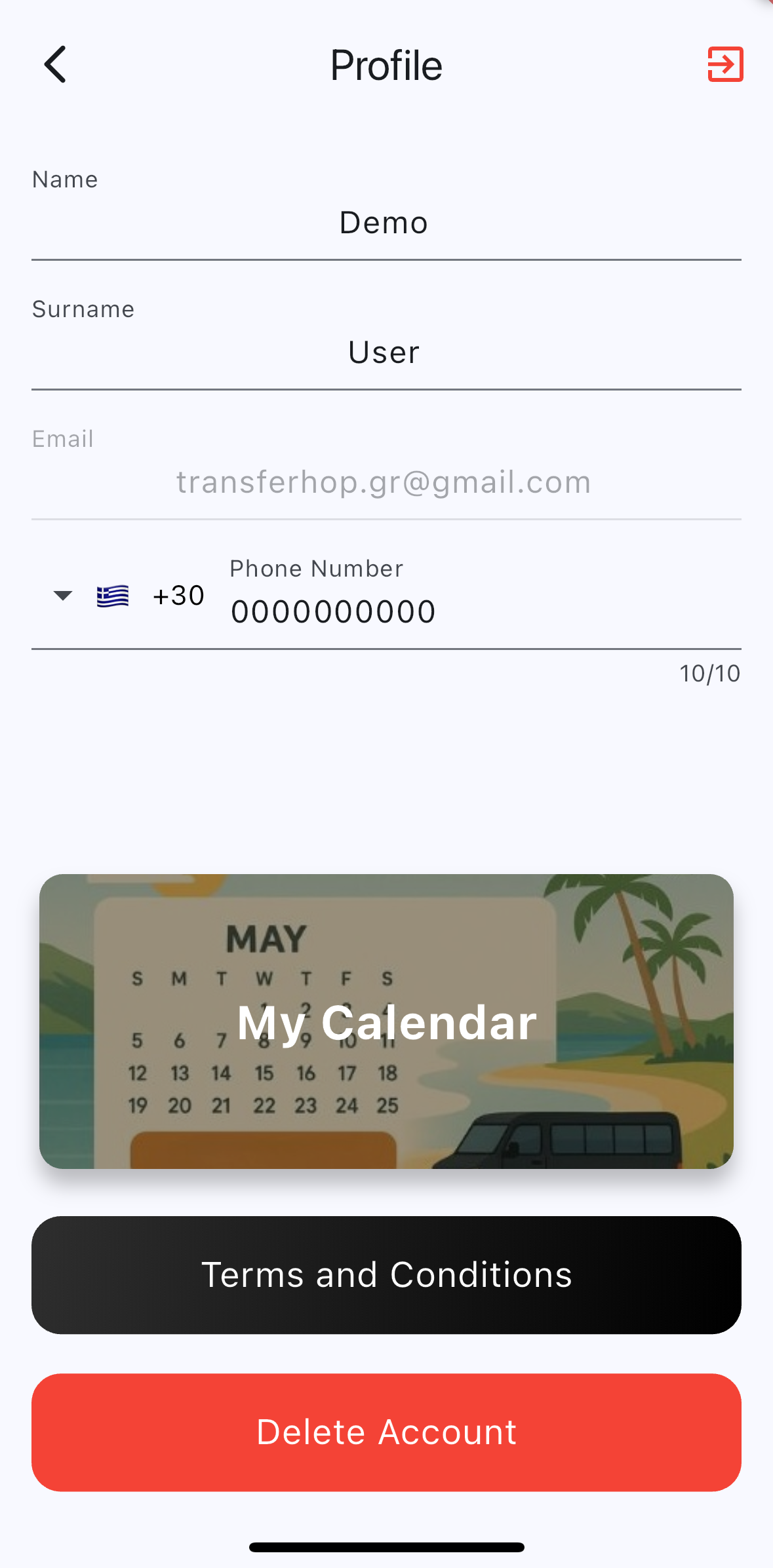
If you wish to delete your account, you can do so directly within the app by following these steps:
-
Open the app.
-
Tap the menu icon in the top right corner.
-
Select the red “Delete Account” button at the bottom of the menu.
Please note:
You can only delete your account if:
You do not have an active ride, and
You have not scheduled a ride within the next 24 hours at the time of deletion.
Once deleted, your account and associated data will be permanently removed and cannot be recovered.
If you encounter any issues, feel free to contact us at [your support email here].